Level Up Christmas - Limited Edition Fine Art Print - Holiday Season
Level Up Christmas - Limited Edition Fine Art Print - Holiday Season
A delightfully vibrant, cozy, and nostalgic holiday statement. "Level Up Christmas" is a limited-time archival fine art print bringing together festive gaming nostalgia, tactile material contrasts, and radiant high-contrast color.
Originally painted in rich, high-pigment oils on hand-primed cradled wood, this composition captures a soft Mario plushie nestled inside a reflective glass Christmas bauble. The artwork showcases a great play of texture, contrasting the soft, plush fabric of the iconic red cap against the distorted, luminous reflections on the glossy sphere.
⚡ Pre-Holiday 2026 Exclusive Release: This print is available for a strictly limited window during the season.
Why This Print Belongs on Your Wall:
- Limited-Time Edition (Pre-holiday 2026 Only): An exclusive seasonal drop for art collectors, gamers, and holiday decor enthusiasts alike.
- Museum-Grade Reproduction: Printed on genuine Hahnemühle German Etching paper.
- Archival Giclée Pigment Inks: Museum-quality color reproduction that stays vibrant and fade-resistant for decades, under any normal indoor lighting.
- Versatile Decor Appeal: An instant centerpiece for holiday gallery walls, gaming rooms, creative studios, or festive living spaces.
Available Sizes (Standard Frame Fit):
- Small: 20 x 20 cm (approx. 8 x 8 inches)
- Medium: 30 x 30 cm (approx. 12 x 12 inches)
- Large: 40 x 40 cm (approx. 16 x 16 inches)
Studio Details & Authenticity:
- Studio Authenticated: Hand-signed and studio-embossed on the reverse for a clean, elegant aesthetic.
- Certificate of Authenticity: Accompanied by a dedicated COA confirming the limited-edition print release.
- Collector Unboxing Experience: Shipped with special studio collector goodies and care instructions.
Packaging & Worldwide Shipping:
Every print is handled with pristine white-glove care and packed flat or in reinforced archival mailing materials to ensure it reaches you in mint condition, ready for framing or gifting. Tracked and insured shipping available worldwide.
Couldn't load pickup availability


Original Oil Paintings
Check out available original paintings. Save combine shippings (worldwide).
-
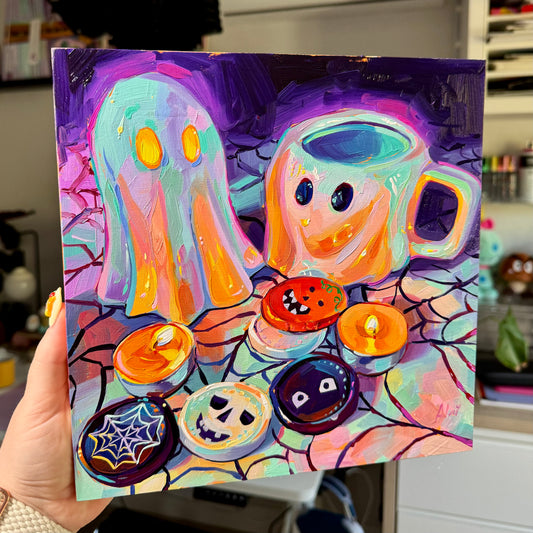
Ghost Duet and Chocolates - Original Oil Painting
Regular price €450,00 EURRegular priceUnit price per -
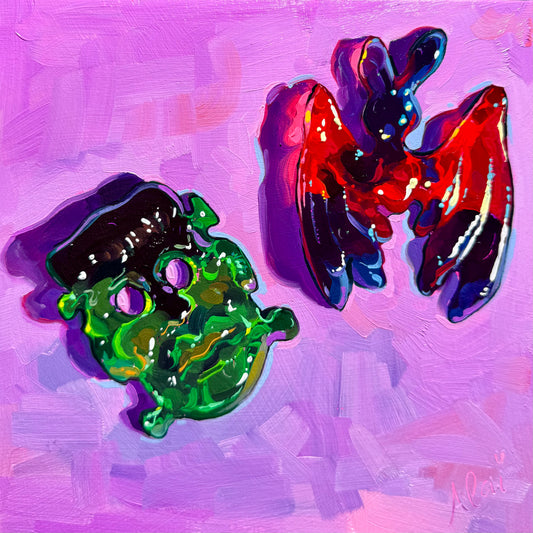
Halloween Gummies - Original Oil Painting - Spooky Sweet Art
Regular price €325,00 EURRegular priceUnit price per -
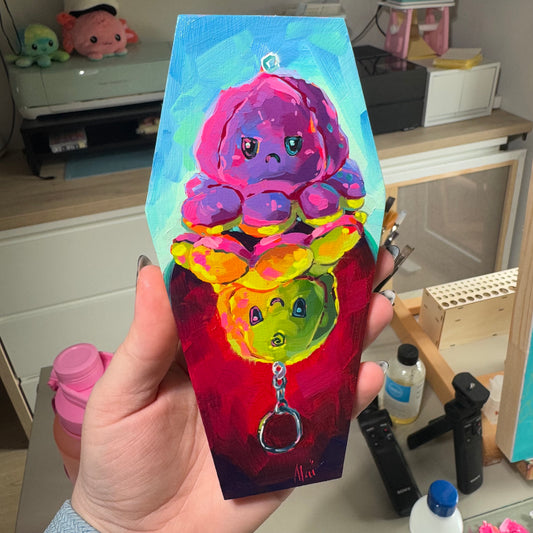
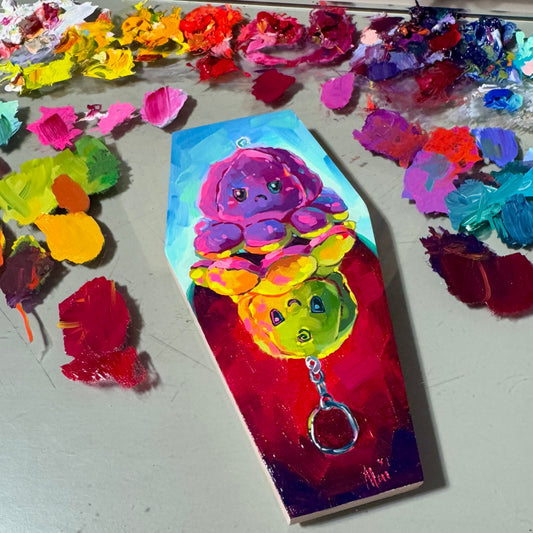
Buried Emotions - Original Oil Painting - Coffin Shaped Canvas
Regular price €145,00 EURRegular priceUnit price per€165,00 EURSale price €145,00 EURSale -
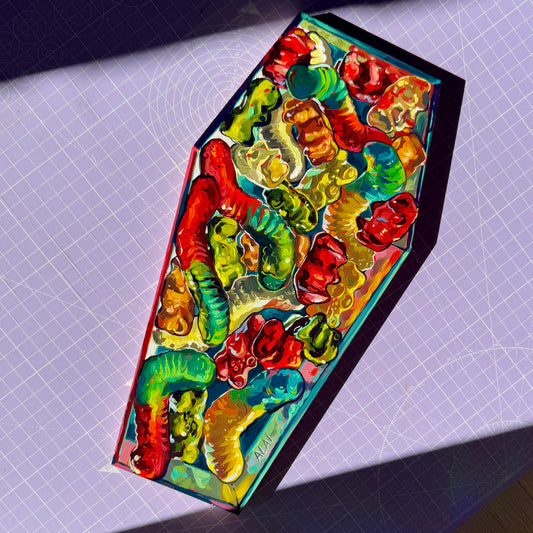
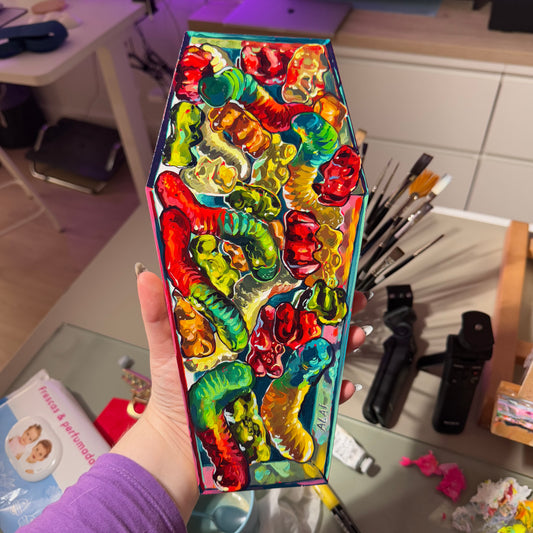
Sweet Dreams - Original Oil Painting - Coffin Shaped Gummy Art
Regular price €400,00 EURRegular priceUnit price per€500,00 EURSale price €400,00 EURSale